How to Use ChatGPT for Work: 8 Prompt Formulas That Actually Help (2026 Guide)
What Is a ChatGPT Prompt Formula?
A prompt is the instruction, question, or information you provide ChatGPT to guide its response. The quality of the response you receive depends on the amount of relevant information you provide upfront.
Weak prompt: "Write a marketing plan for me."
Strong prompt: "Act as a senior digital marketing strategist. Create a 30-day social media plan for a Ghanaian fintech targeting young professionals aged 22–35. Focus on Instagram and TikTok. Give me three content pillars and present the plan in a table."
The Five-Part ChatGPT Prompt Formula
Element Question It Answers Role Who should ChatGPT act as?
Task: What exactly do you want it to do?
Context: What background does it need to know?
Format: How should the output look — table, list, script, PDF?
Tone / Constraints: What style or rules should it follow?
A prompt built on all five elements consistently outperforms a vague, one-line request.
Why Your First Prompt Doesn't Need to Be Perfect
ChatGPT is designed to work as a conversation, not a single transaction. The most effective workflow follows this loop:
Prompt → Response → Review → Follow-up → Refinement → Final Output
Instead of trying to write the "perfect" instruction on the first try, start with what you know, see what ChatGPT produces, identify what's missing or off, and refine with a follow-up prompt. Treat the first response as a draft, not a final exam.
8 Practical Ways to Use ChatGPT at Work
1. Use ChatGPT to Think Through a Problem
Describe a real challenge — a team issue, a business decision, a personal dilemma — and ask ChatGPT to lay out multiple approaches before you commit to one.
Prompt: "I'm dealing with [describe your problem]. Give me 5 different ways I could approach this. For each approach, explain the advantages, disadvantages, risks, and what I'd need to get started."
Follow-up: "Which approach would you recommend, and why?"
Challenge it: "Challenge your recommendation. What could go wrong?"
2. Use ChatGPT to Improve Your Writing
Paste any email, WhatsApp message, proposal, or caption and ask for a rewrite.
Prompt: "Improve this message for clarity, structure, and impact. Keep my original meaning and make it sound natural and human."
Follow-up: "Give me three versions: professional, conversational, and persuasive."
Personalize it: "Now rewrite the strongest version so it sounds more like me. Ask me 3 questions about my writing style first."
3. Use ChatGPT to Turn One Idea Into Ten Pieces of Content
Give ChatGPT a single campaign message and ask it to adapt that message across formats and platforms — an Instagram caption, a short-form video script, a LinkedIn post, a WhatsApp broadcast, an email announcement, and ad headlines.
Prompt: "Make each piece feel native to its platform. Give each one a different hook while keeping the same campaign message."
Challenge it: "Provide me 10 completely different campaign angles for this same product."
4. Use ChatGPT to Analyze Documents
Upload a PDF, Word document, or slide deck and ask ChatGPT to extract what matters.
Prompt: "Read this document and provide me a 5-point summary of the most important information." Useful follow-ups: identify the most significant problems the document raises, find evidence supporting a specific claim, or convert a long document into a slide outline.
5. Use ChatGPT to Analyze Spreadsheets and Data
Upload a sales, marketing, or business spreadsheet and ask for patterns instead of reading every row manually.
Prompt: "What are the five most important patterns in this data?" Refine by asking about specific products, months, campaigns, or categories.
6. Use ChatGPT to Research a Topic
Start from one broad research question and let ChatGPT structure the investigation.
Prompt sequence:
- Break this research question into 5 major areas I need to investigate.
- "For each area, give me 3 specific questions I should answer."
- "Give me useful search queries I can use to investigate these questions."
- "Organize these findings into 5 key insights. Separate facts, observations, and recommendations."
- "Which of these claims should I verify before including them in a professional report?"
7. Use ChatGPT to Rehearse High-Stakes Conversations
Practice interviews, client pitches, or negotiations through role-play.
Prompt: "Act as a [role]. I am going to practice a [situation] with you. Make the interaction realistic. Ask me one question at a time and respond based on what I say. Challenge me where appropriate."
Follow-up: "Now step out of character and evaluate my performance. Give me 3 things I did well, 3 things I could improve, and specific advice for my next attempt."
8. Use ChatGPT to Challenge Your Own Ideas
Give ChatGPT a business idea or plan you believe in and ask it to argue against it.
Prompt: "Act as a highly critical business strategist. Give me the strongest arguments against this idea."
Follow-ups: "What assumptions am I making that could be wrong?" → "What questions would an investor, client, or competitor ask me?" → "Based on your criticism, what would you change about the original idea?"
Use this to stress-test your thinking before reality does.
Build a Repeatable ChatGPT Workflow
Identify one task you repeat weekly a performance report, a client update, or turning meeting notes into action items- and turn it into a permanent system.
Prompt: "I perform this task every week: [describe the task]. Help me break it down into individual steps and identify which parts ChatGPT can help me with."
Follow-up: "Turn those steps into a repeatable workflow I can follow every time, and write the prompts I should use at each stage."
Can ChatGPT Be Trusted for Work and Research?
ChatGPT can produce answers that sound confident and polished while still being incomplete or inaccurate. The rule taught in the session: AI generates, you evaluate, you decide. Treat ChatGPT's output as a strong first draft, not a verified final source — especially for client-facing or published work.
Frequently Asked Questions
What is a prompt in ChatGPT?
A prompt is the instruction, question, or information you give ChatGPT to guide its response. Prompts that include a role, task, context, format, and tone consistently produce more useful, specific results than a single vague sentence.
Is it okay to write a "bad" first prompt?
Yes. ChatGPT works best as a conversation. Start with what you know, review the response, identify gaps, and refine through follow-up prompts rather than trying to write one perfect instruction from the start.
Can ChatGPT be trusted for research or professional reports?
ChatGPT can organize research and surface insights quickly, but its answers should be verified before use in professional or client-facing work. Treat it as a first-draft generator, not a final source of truth.
Can ChatGPT help with practicing interviews, sales calls, or negotiations?
Yes. By asking it to role-play a specific scenario and then evaluate your performance afterward, you can rehearse high-stakes conversations and get structured, specific feedback before the real thing.
What is the five-part ChatGPT prompt formula?
Role, task, context, format, and tone/constraints. Together, they tell ChatGPT who to be, what to do, what background matters, how the output should look, and what style rules to follow.
How do I obtain better results from ChatGPT?
Add context the way you would for a new employee: your goal, your audience, the format you need, and any constraints. Then treat the initial response as a draft and refine it through follow-up prompts rather than starting a new chat each time.
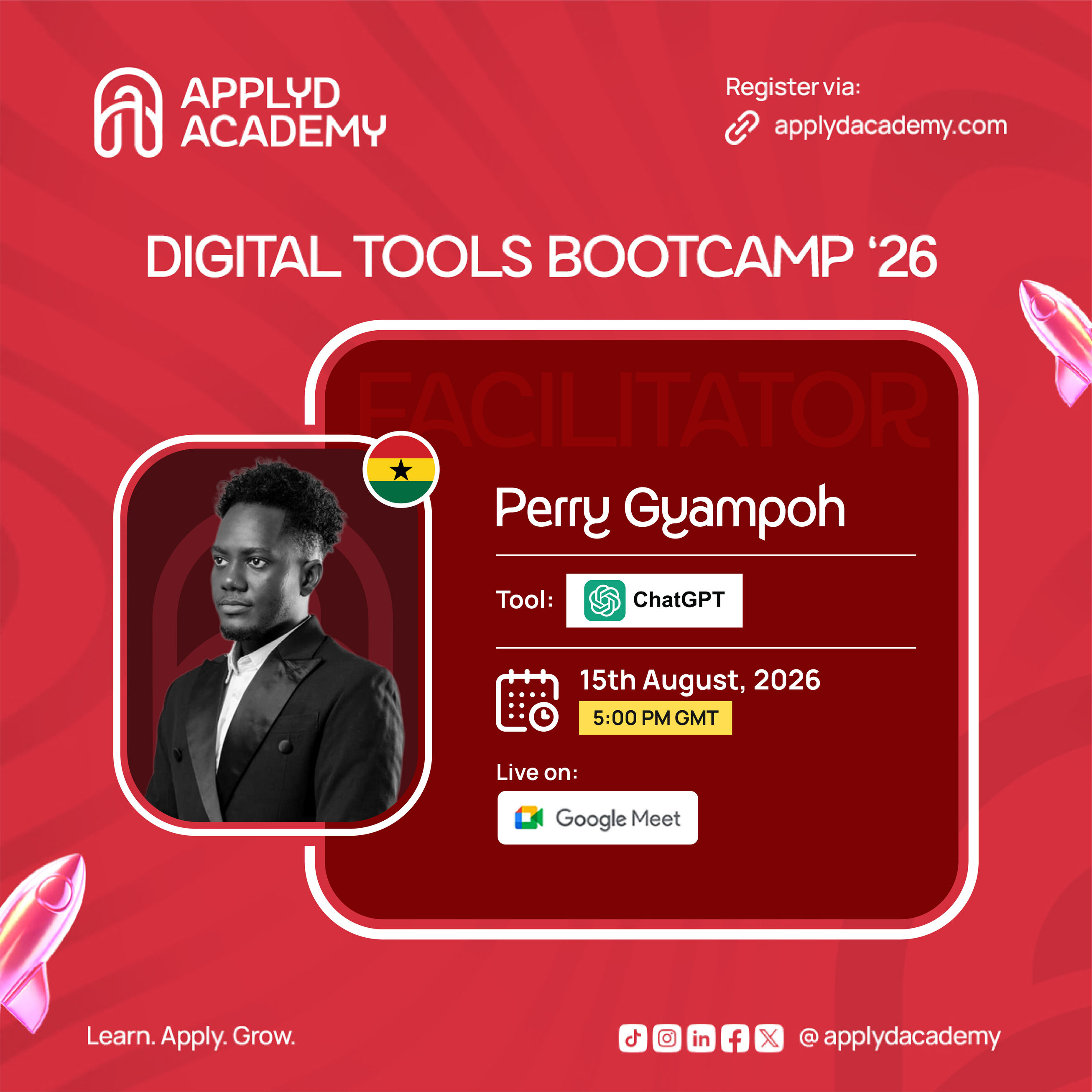
This guide is based on Applyd Academy's ChatGPT Masterclass, part of their free Digital Tools Bootcamp, facilitated by Perry Tintin. Free registration is open at applydacademy.com — follow @applydacademy on TikTok, Instagram, Facebook, X, and LinkedIn.